
Larry… Run.
Hero Valkyrie takes “push” to a whole new level. Activate her ability and spin your way to victory, shredding everything in your path.
How to Redeem Clash Royale Codes?
- Open Clash Royale and make sure you’re logged into your Supercell ID.
- Go to the Shop tab in-game, scroll down.
- Find the option labeled “Redeem a Store Code” (below all purchase options).
- Enter your code exactly (case-sensitive – uppercase/lowercase matters).
- Tap Submit / Redeem. Your reward (emote, tower skin, etc.) will appear soon in your account.
- For QR codes: open your phone’s QR scanner or camera, scan the QR image, allow it to open Clash Royale, then accept the reward popup.
You can also redeem your Clash Royale codes safely through the official Supercell Store.
Scroll down to the “Redeem a Store Code” section, log in with your Supercell ID, and paste your active code. Once confirmed, rewards will be sent directly to your in-game inbox.
* This method keeps your account fully secure, as it connects directly to Supercell’s official servers — never share your login details on unofficial sites.
Game Information
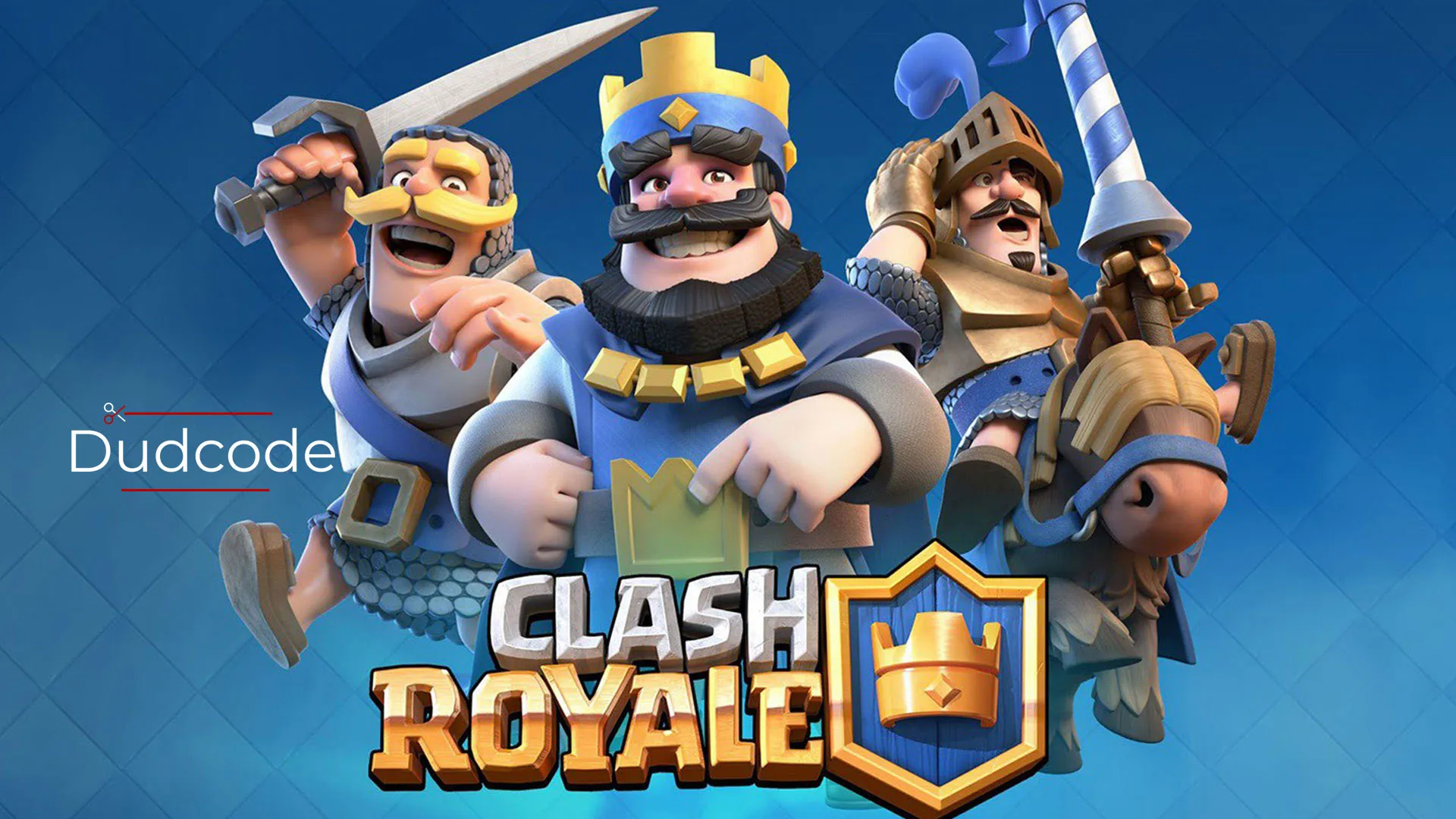
- Game Name: Clash Royale
- Requires Android: 7.0 and up
- Size: 1.1 GB
- Offers In-App Purchases
- Content Rating: PEGI 7 • Mild Violence
- Downloads: 500,000,000+ downloads
- Released on: Mar 1, 2016
- Genres: #1 top free strategy • Strategy • Tower Defense • Multiplayer • Competitive Multiplayer • Sylized • Royalty • Fantasy • Medieval Fantasy
- Offered by: Supercell
- Languages: English, Arabic, Dutch, Finnish, French, German, Indonesian, Italian, Japanese, Korean, Malay, Norwegian Bokmål, Persian, Portuguese, Russian, Simplified Chinese, Spanish, Thai, Traditional Chinese, Turkish, Vietnamese
Tips & Battle Strategies
Master the game beyond just redeeming Clash Royale codes. Learn how to manage your resources, build efficient decks, and apply smart strategies that help you win more battles and climb the ranks faster.
Smart Resource Management
After redeeming Clash Royale codes, focus on upgrading only the cards you actually use. Avoid spending gold on random upgrades — instead, save it for meta cards that appear in most decks like Miner, Archers, and Valkyrie. Managing gold and wild cards efficiently gives you a long-term advantage.
Deck Balance and Elixir Control
Build a deck with a balanced elixir cost (around 3.0–3.8). Use a mix of air and ground units, and always include at least one solid defense card like Cannon or Tesla. During matches, cycle cheap cards to maintain pressure and keep your opponent guessing.
Use Redeemed Items Strategically
Some Clash Royale codes provide emotes, chests, or magic items. Don’t open all your chests at once — wait for double reward events or special challenges. Magic items like Book of Cards should be saved for legendary or champion cards, not low-rarity ones.
Event and Challenge Participation
Participate in seasonal challenges and global tournaments. Many limited-time events coincide with new code releases, offering chances to double your progress. Always check the in-game “News Royale” section for updates before using new codes.
Stay Updated and Verify Codes
Follow the official Clash Royale Twitter, Discord, and YouTube accounts to find valid codes. Avoid third-party sources that ask for logins — official links always redirect to supercell.com or in-game redemption pages.
Clash Royale Codes (October 2026)
- FEPA
- HEROVALKYRIE – Hero Valkyrie emote
- PRINCESSEVO
- MINIONHORDE!
- ROYALEAFFAIR – Royale Affair Goblin Emote
- FIREANDICE!! – Banner Set ( Battle Banner Hero Fire Wizard)
- TRUSTYTURRET – Hero Musketeer Emote
- WHENHOGSFLY! – Flying Royal Hogs emote
- REINABARRIGA – Snoring Dragon Banner Set
Last Check: Oct 01, 2026
Expired Clash Royale Codes
- BLOWTHEMAWAY
- FIREFIREFIRE
- ANGRYFURNACE
Clash Royale QR Codes
Scan the Clash Royale QR codes below to access official rewards, creator links, or promotional events directly.
Make sure to scan only from trusted sources — all QR codes featured here are verified and connect directly to Supercell’s official servers.
If you’re viewing this on a mobile device, tap and hold the image to open the QR code in your Supercell app.
Clash Royale QR Code 1
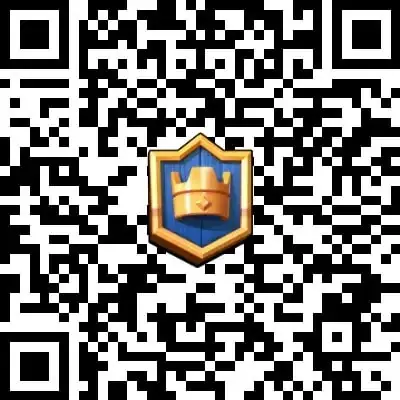
Scan the QR code or click on the image to access the link.
Clash Royale QR Code 2

Scan the QR code or click on the image to access the link.
Clash Royale QR Code 3
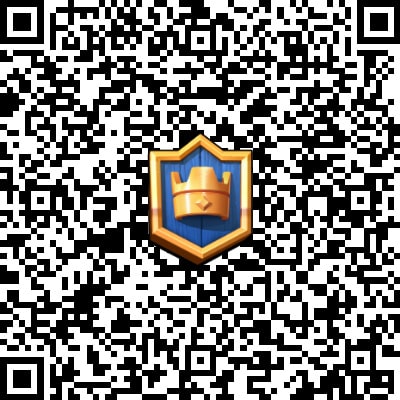
Scan the QR code or click on the image to access the link.
Clash Royale QR Code 4
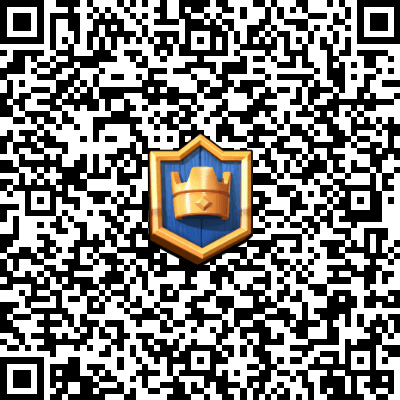
Scan the QR code or click on the image to access the link.
Clash Royale Social Accounts
Table of Contents